
Disclosure: WorkWise is reader-supported. When you buy through links on our site, we may earn an affiliate commission at no extra cost to you. Learn more.
You are judged on video calls. Not consciously, not unfairly — but the colleague who shows up well-lit, in focus, and with clear audio just sounds more competent than the one who's a dark blur with crackly sound. The fix is shockingly cheap. Here's the full guide to looking and sounding professional on Zoom, Teams, Meet and Slack huddles.
Why your laptop's built-in setup is letting you down
Laptop webcams have one job: be cheap and thin. The sensor is the size of a grain of rice, and the lens is plastic. Your laptop's built-in mic is even worse — it's a tiny pinhole sitting six inches from your typing fingers, picking up keyclicks and HVAC noise.
Even a $60 webcam and a $50 USB mic will put you in the top 10% of video-call quality at your company. It's one of those weird high-ROI moves.
The webcam choice: three tiers
Budget tier (~$70) — Logitech C920
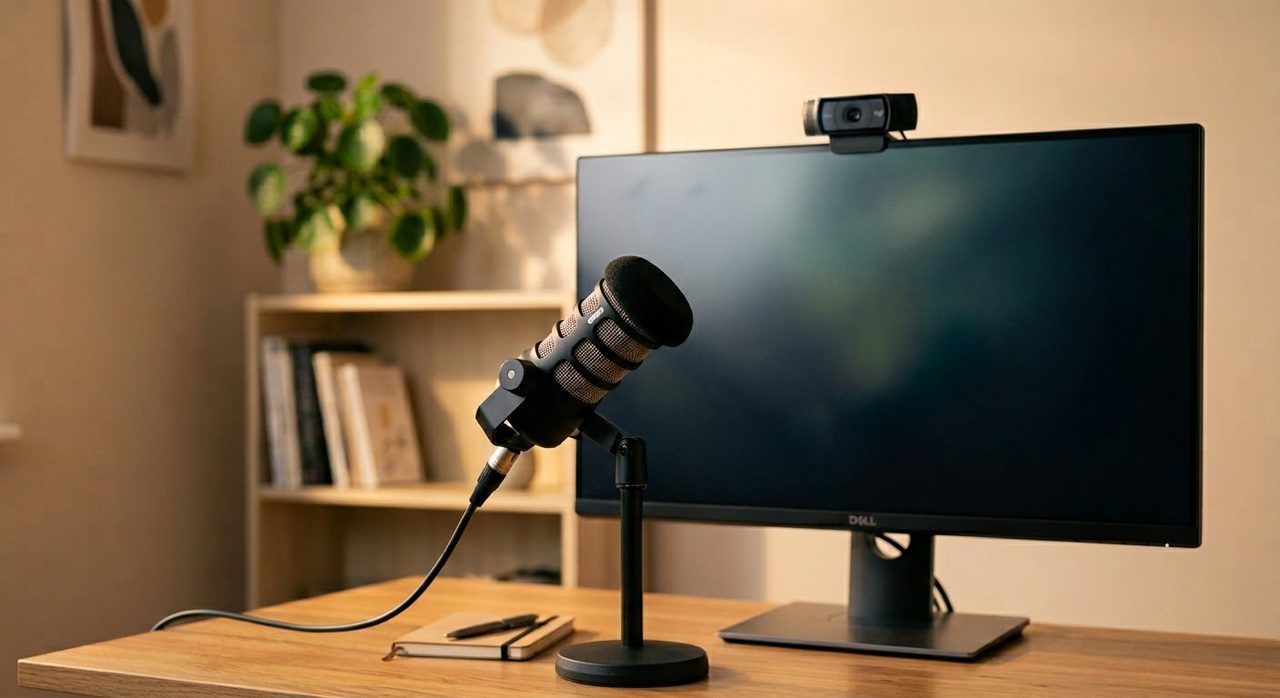
A decade-old design that's still the right starting point. 1080p, autofocus, decent low-light. Mounts on top of your monitor. Bought one in 2018; still using it.
Logitech C920 HD Pro
The "you don't have to think about it" webcam. Works on Mac and Windows out of the box, no drivers, no nonsense.
Check price on AmazonMid tier (~$150) — Logitech Brio 500 / Insta360 Link
4K sensor, better low-light, often includes AI-driven auto-framing that keeps you centered if you move. Worth the upgrade if you're on camera 4+ hours a day.
Logitech Brio 500
1080p with a much larger sensor than the C920, plus "Show Mode" that flips the image for desktop demos. Great noise handling.
Check price on AmazonPro tier (~$300+) — mirrorless camera as webcam
A Sony ZV-E10, Fuji X-S20 or Canon EOS R50 plugged into your computer via HDMI capture card looks like cinema compared to a webcam. Overkill for most. Mandatory if you're a creator, course host, or executive who's on Zoom all day.
The microphone choice: bigger upgrade than the camera
If you only fix one thing, fix audio. People will forgive a so-so picture. They will not forgive crackly sound.
Budget USB mic (~$60) — FIFINE K669 / Maono PD200X
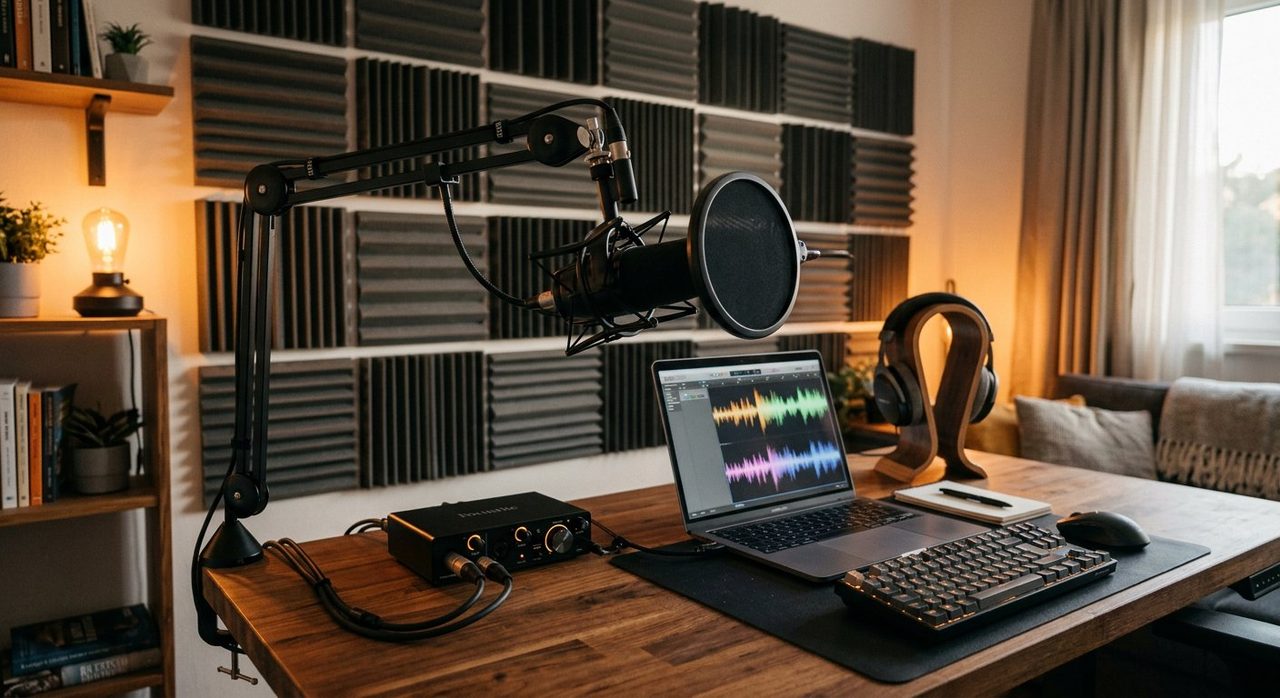
Dynamic USB mics that reject background noise much better than a condenser. Pick one of these and put it on a small boom arm so it sits close to your mouth.
FIFINE K669B
Improbably good for the price. Cardioid pickup, USB-C, built-in headphone monitoring. The first mic to buy.
Check price on AmazonMid-tier USB mic (~$250) — Shure MV7+
Broadcast-grade dynamic mic with both USB and XLR outputs, so you can upgrade to a proper audio interface later. The most popular mic among podcasters for a reason.
Shure MV7+
If you're going to be on video calls daily for the next five years, this is the buy-once mic. Pair it with a basic boom arm and you'll sound like a podcaster.
Check price on AmazonThe headset alternative
If you don't want a desktop mic, a good wireless headset (Jabra Evolve2 65, Logitech Zone Wireless) is the corporate-friendly option. Mic boom positions perfectly every time and noise rejection is excellent.
Lighting fixes audio, sort of
Counter-intuitively, good lighting reduces the need for crystal-clear audio. Why? When colleagues can see your face clearly, your brain fills in audio gaps with lip-reading. Bad lighting + bad audio = nobody understanding you. See our full lighting guide — the short version is: light comes from in front of you, never behind.
Background: real or virtual?
- Real background beats virtual every time. Even a simple bookshelf or plain wall looks more professional.
- Virtual backgrounds work poorly without a green screen. The hair-edge artifacts are distracting.
- Background blur (built into Zoom/Teams/Meet) is the right middle ground if your real background is messy.
Software settings everyone should change
- Turn off "auto-adjust microphone level" in Zoom/Teams. It causes the breathing-volume effect.
- Enable noise suppression at the highest available setting. Or use Krisp/RTX Voice for AI-grade noise removal.
- Set your webcam exposure manually if your software allows. Auto-exposure causes the "darkens when I lean forward" issue.
- Wear headphones on calls. Speaker-and-mic together causes echo for everyone else.
A complete "good on camera" kit for under $200
- Logitech C920 webcam — ~$70
- FIFINE K669B mic — ~$60
- BenQ ScreenBar (or any clip-on monitor light) — ~$70
That's it. You'll be in the top 10% of video-call quality at most companies. Three boxes. One afternoon. Done.
Final word
The best webcam on the planet won't fix bad lighting, and the best mic won't fix a noisy room. Start with the cheapest item that solves your biggest problem — usually that's a real microphone. Then add a webcam, then add a light. You'll thank yourself the next time your manager actually watches your update instead of zoning out.
Frequently asked questions
Is the laptop webcam good enough for video calls?
Almost certainly not. Laptop cameras have tiny sensors and plastic lenses. Even a $70 external webcam dramatically improves how you appear, which has real effects on how colleagues perceive you.
USB or XLR microphone — which is better for home use?
USB for simplicity. XLR for upgrade flexibility. A modern USB-and-XLR mic like the Shure MV7+ lets you start simple and grow into a fuller audio chain later.
Do I need a dedicated mic if my headphones have one?
If you're on calls less than 1 hour/day, headphone mics are fine. For meeting-heavy work, a dedicated mic noticeably improves how clearly people understand you — which lowers everyone's cognitive load.
Does lighting matter as much as the camera?
More, actually. A good camera in bad lighting looks worse than a mediocre camera in great lighting. Fix lighting first.
Spotted a mistake or want to suggest a product we should test? Get in touch — we read every message.