
Disclosure: WorkWise is reader-supported. When you buy through links on our site, we may earn an affiliate commission at no extra cost to you. Learn more.
The FlexiSpot E7 and Uplift V2 are the two most-recommended standing desks for serious home offices. They're frequently compared because they target the same user — someone who wants a real, durable, electric standing desk without going into commercial-grade pricing. Here's how they actually stack up.
At a glance
| Spec | FlexiSpot E7 | Uplift V2 |
|---|---|---|
| Price (frame only) | ~$400 | ~$600 |
| Height range | 22.8"–48.4" | 25.3"–50.9" |
| Lift capacity | 355 lbs | 355 lbs |
| Motors | Dual | Dual |
| Stages | 3-stage | 3-stage |
| Memory presets | 4 | 4 |
| Warranty | 15 yr frame | 15 yr frame, 10 yr electronics |
| Anti-collision | Yes | Yes (more sensitive) |
Stability — the biggest real-world difference
Winner: Uplift V2 (by a small margin)
Both desks are stable at sitting height. The difference shows at full standing extension, especially for taller users (6'2"+). The FlexiSpot E7 has minor side-to-side wobble at max height when you lean on it; the Uplift V2 is rock-solid. For typing, neither wobbles meaningfully. For sketching, leaning, or working in a way that puts lateral force on the desk, Uplift V2 wins.
Verdict: If you're under 6' and don't lean on the desk much, FlexiSpot is plenty stable. Over 6' or if you push hard against the desk while standing, the Uplift's extra rigidity is worth the price.
Customization options
Winner: Uplift V2 (clearly)
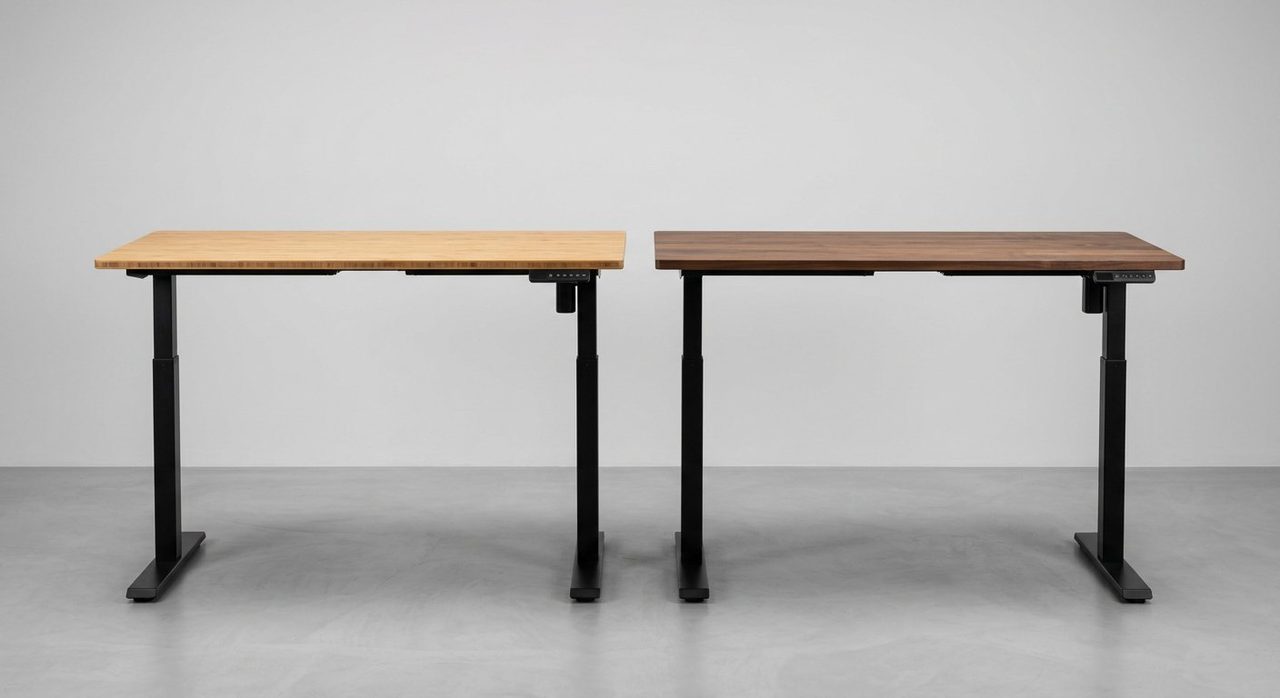
Uplift offers ~17 desktop options (bamboo, rubberwood, laminate, butcher block, eco-curve, etc.) plus accessories like wire grommets, monitor arms, and CPU holders that integrate cleanly with the frame. FlexiSpot's desktop options are more limited (about 5 official) but you can use any 60×30" top from IKEA or a local woodworker.
Verdict: If you want a turnkey "click and have a beautiful desk arrive" experience, Uplift wins. If you're happy sourcing your own desktop, FlexiSpot saves real money.
Noise during operation
Winner: Tie (both ~50 dB)
Both motors are quiet enough not to disrupt video calls. Uplift is marginally quieter in our testing; the difference is small enough that you'd only notice in a perfectly silent room.
Assembly
Winner: Uplift V2 (slightly easier)
Uplift ships with the tools you need and instructions written in clearer English. FlexiSpot's instructions are adequate but assume more handyman experience. Both take 60-90 minutes for one person, 30-45 for two.
Warranty and customer service
Winner: Uplift V2 (US-based support)
Both have 15-year frame warranties. The differentiator is customer service: Uplift has US-based phone support that's notably responsive. FlexiSpot's support is email-only and slower. For most users this never matters; if something fails, Uplift's experience is better.
Price
Winner: FlexiSpot E7 (clearly)
Frame-only, FlexiSpot is typically $200 cheaper. With a custom desktop sourced separately, you can have a complete setup for $500-600 vs $800-1,000 for Uplift. For most home offices, that $300-400 saving is real and goes a long way toward other upgrades.
Who should buy which
Buy the FlexiSpot E7 if:
- You're price-conscious and want the best value
- You're under 6' tall
- You're OK sourcing your own desktop (IKEA KARLBY is popular)
- You primarily type/click rather than lean on the desk
FlexiSpot E7 Pro Standing Desk Frame
The same quality as desks costing $200+ more, with a 15-year warranty. Pair with a custom or IKEA top to come in well under $500 total.
Check price on AmazonBuy the Uplift V2 if:
- You're over 6'2" or care about maximum stability
- You want a turnkey complete desk with no extra sourcing
- Premium build quality matters more than saving $300
- US-based phone support is important to you
Uplift V2 Standing Desk
The premium pick. More stable at full height, better customer service, more customization options. Worth the price if any of those matter to you.
Check price on UpliftWhat to add to either desk
Whichever you choose, the same accessories apply:
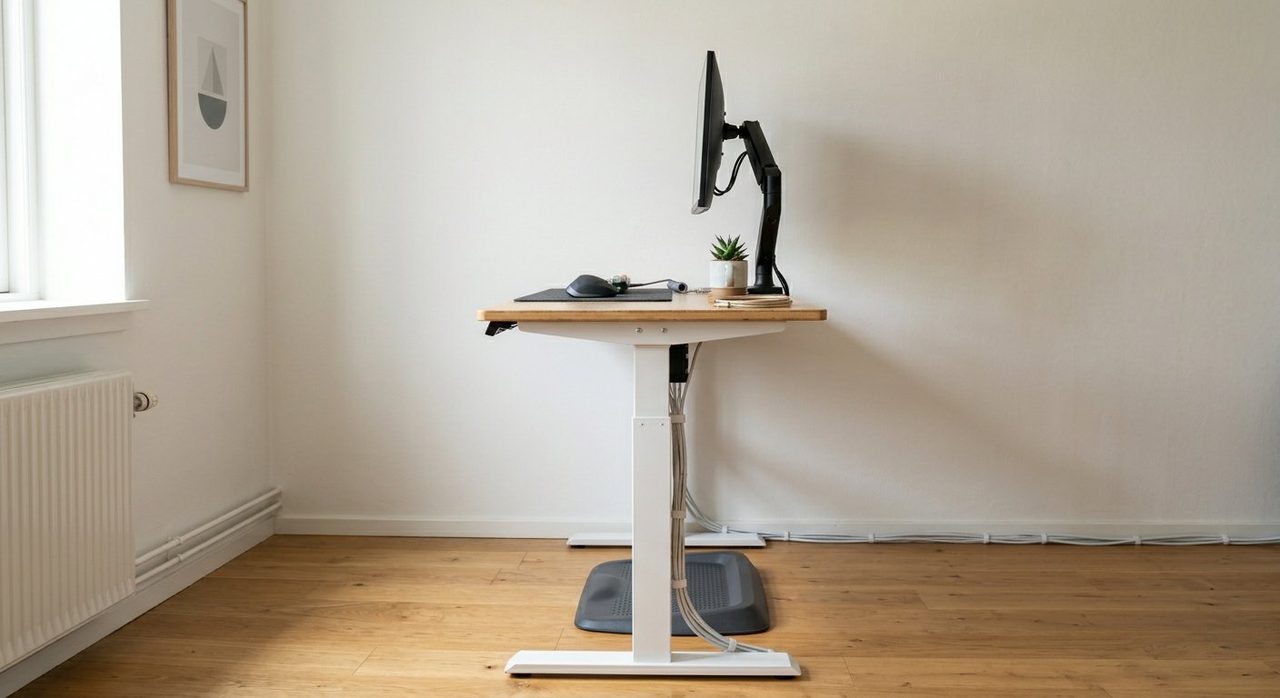
- Anti-fatigue mat — see our standing mats comparison
- Monitor arm — keeps screen at eye level when desk moves
- Cable management — see our cable guide
Final word
For most readers, FlexiSpot E7 + IKEA KARLBY top is the smart choice — about $520 for a setup that performs nearly identically to the $900+ Uplift V2 setup. Spend the saved money on a good chair (see our chair guide) and a quality anti-fatigue mat. If you're tall or want maximum premium feel, the Uplift V2 is genuinely worth its price premium.
For the full standing desk setup, including monitor placement and the 20-8-2 rule, see our complete standing desk setup guide.
Frequently asked questions
FlexiSpot E7 or Uplift V2 — which is better?
For most users, FlexiSpot E7 wins on price-to-performance with a longer warranty. Uplift V2 wins if you need maximum stability at standing height or more customization options. Both are excellent; choose based on whether budget or premium build matters more.
Is the price difference between FlexiSpot and Uplift worth it?
Uplift typically costs $200-400 more for a comparable size. The added stability at full height is real but only matters for taller users (6'+) or if you type aggressively while standing. For most users, the FlexiSpot's value is hard to beat.
Which has better warranty?
FlexiSpot E7 has a 15-year frame warranty; Uplift V2 has 15 years on frame, 10 years on electronics. Both are excellent in the standing-desk industry.
Can I use IKEA tops with both?
Yes, both frames accommodate standard desktops 47-71 inches wide. IKEA KARLBY (~$120) is a popular custom top for both.
Which is easier to assemble?
Uplift's assembly instructions are slightly clearer with included tools. FlexiSpot's are adequate but you'll want your own screwdriver. Both take about 60-90 minutes.
Spotted a mistake or want to suggest a product we should test? Get in touch — we read every message.