
Disclosure: WorkWise is reader-supported. When you buy through links on our site, we may earn an affiliate commission at no extra cost to you. Learn more.
Not everyone has a spare room to turn into a home office. Most remote workers we know are working from a corner of a bedroom, a fold-down section of the dining table, or a closet they cleared out during the pandemic and never closed back up. This guide is for them. Here's how to build a real, productive workspace in 30 square feet or less — without making your home feel like an office.
The four golden rules of small-space home offices
- Go vertical. Your walls have more usable space than your desk does.
- Choose one large item, not three medium ones. One good monitor beats a laptop + tablet + second screen jammed together.
- Hide cables ruthlessly. In a small space, visible cables are 80% of the visual clutter.
- Make it closeable. If your office and your living space are the same room, you need a "closed" mode.
Step 1: Pick your footprint honestly
Most home-office advice assumes you have a 60" × 30" desk. You probably don't. Here are realistic footprints for small spaces:
- 40" wide desk: fits a 27" monitor + keyboard + small notebook. The minimum we'd recommend for full-time work.
- 32" wide desk: works for a laptop on a stand with external keyboard. Tighter, but workable.
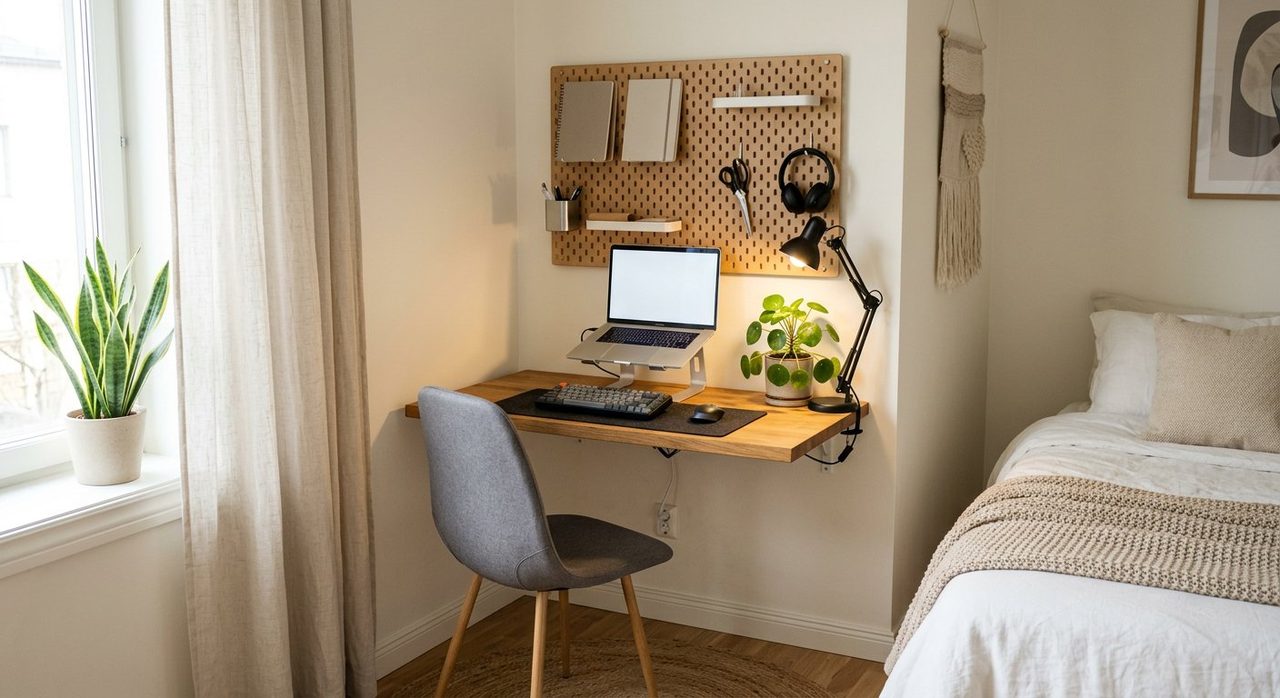
- Wall-mounted fold-down desk: folds flat against the wall when not in use. Genius for studio apartments.
- Closet conversion ("cloffice"): remove the door, add a shelf-as-desk and a chair that rolls out. Adds the bonus of being able to close the curtain at end of day.
Step 2: One big monitor, not two screens
In a small space, the temptation is to use your laptop screen + an external monitor side-by-side. Don't. A single 27" 1440p monitor on an arm gives you the same screen real-estate, uses less depth on the desk, and lets you put the laptop somewhere else (closed and to the side, or on a vertical stand off the desk entirely).
Our monitor guide covers specific picks.
Step 3: Mount everything you can
Anything that sits on the desk is desk space you've lost. Mount these to walls or to the desk underside:
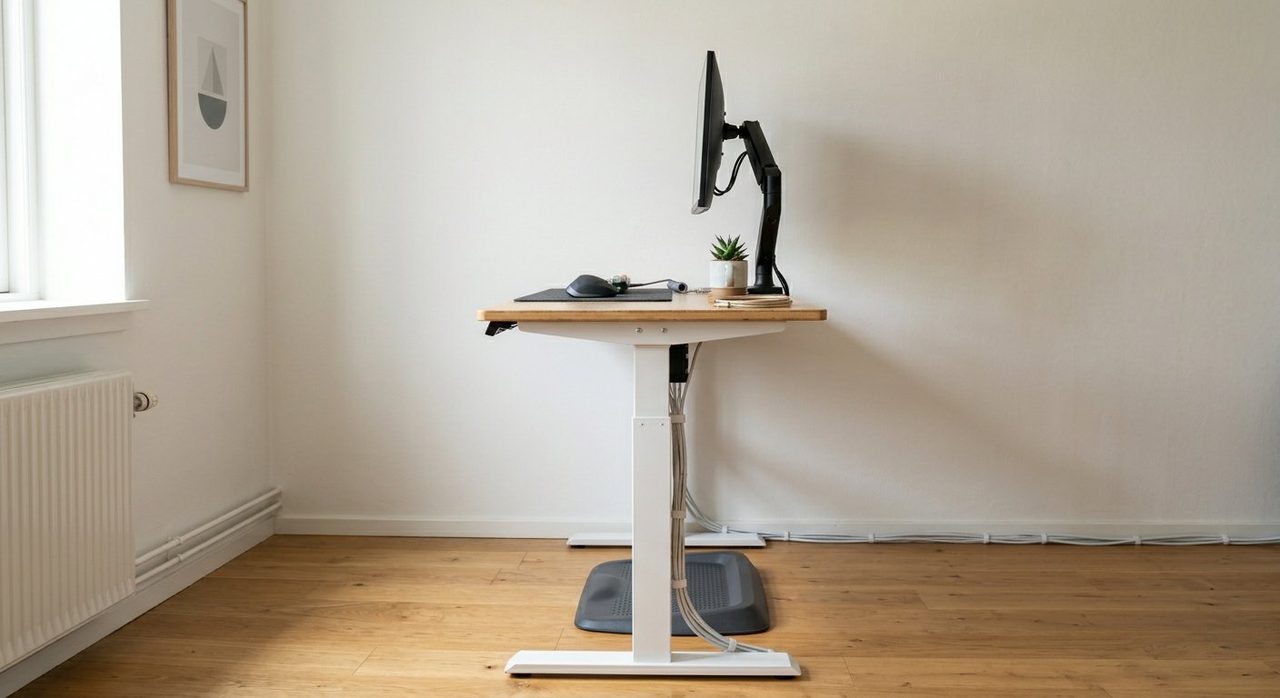
- Monitor → monitor arm (the single biggest space-saver).
- Power strip → screwed to the underside of the desk.
- Laptop → vertical stand or wall mount.
- Headphones → under-desk hook.
- Cable tray → underside of the desk.
- Notebooks and stationery → wall-mounted pegboard or floating shelf.
HUANUO Single Monitor Arm
The single best $40 you can spend in a small office. Frees up about 30% of usable desk space and gets the monitor to the right eye-line.
Check price on AmazonTwelve South BookArc Vertical Laptop Stand
Closes your laptop and stands it on its edge like a book. Reclaims 9" × 12" of desk space instantly.
Check price on AmazonStep 4: Choose a chair that disappears
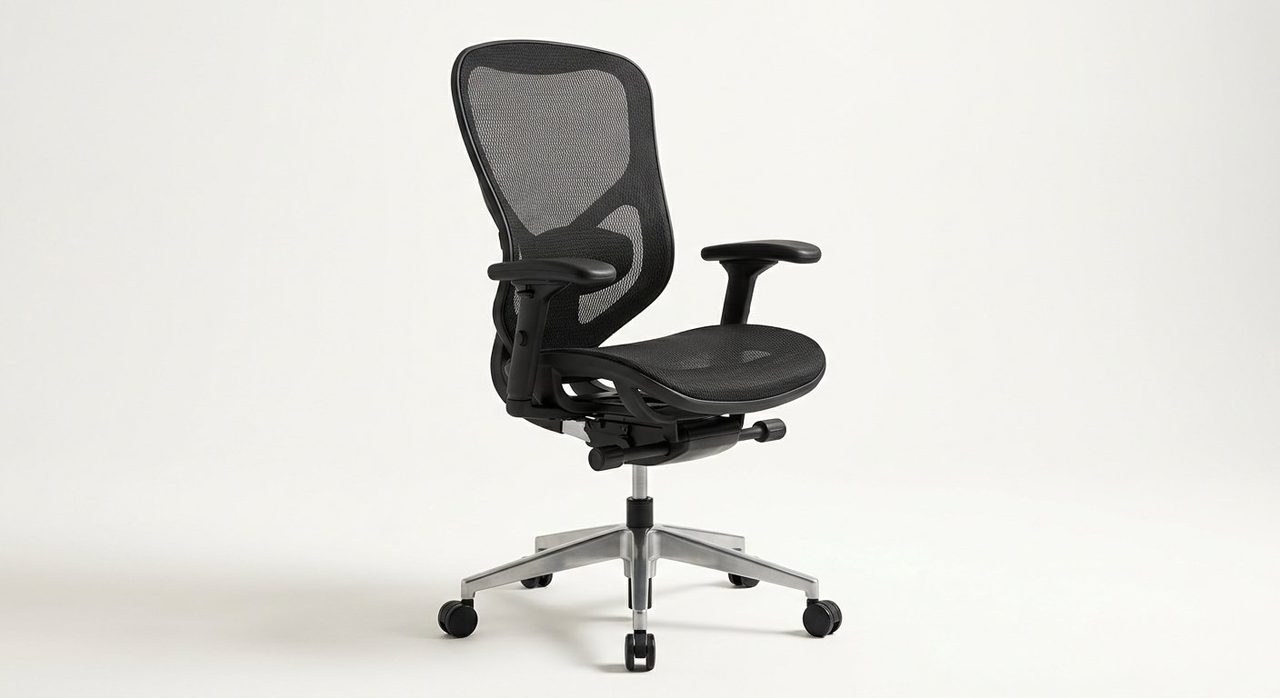
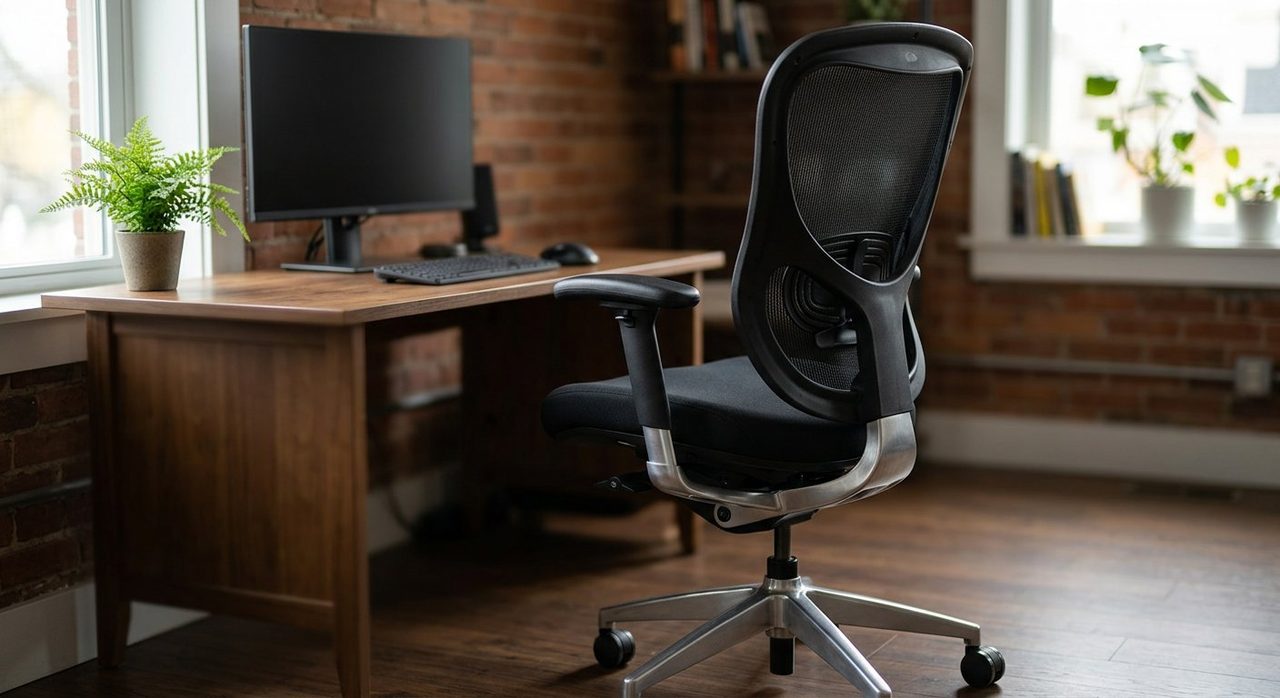
In a small room, a giant gaming-style chair eats the room visually. Pick a chair that:
- Has a slim profile back (mesh rather than padded leather).
- Tucks completely under your desk when not in use.
- In neutral colours that match the room.
Our chair guide has specific picks: Best ergonomic chairs under $300.
Step 5: Soft separation for shared rooms
If your office is also where you sleep, eat or hang out, your brain needs cues to switch modes. Simple tricks that work:
- A rug under the desk only. Defines the workspace visually without building a wall.
- A small task light that only turns on when you're "at work."
- A folding screen or open shelf behind you as a visual divider for video calls.
- A "closing ritual" at end of day: close the laptop, push in the chair, switch off the lamp. The room becomes "non-office" again.
Step 6: Cable management is the difference between "tidy" and "messy"
In a 30 sq ft space, a single dangling cable looks like chaos. Fix the cable problem with three cheap items:
- An under-desk cable tray (J-channel or basket style).
- Velcro cable ties for bundled runs.
- One USB-C dock so your laptop connects with a single cable.
Anker 575 USB-C Docking Station
One cable to your laptop. HDMI, USB, SD, Ethernet and power delivery out the back. The cleanest "small desk" setup in 2026.
Check price on AmazonLighting in a small space
Avoid floor lamps if you can — they eat floor space. Instead:
- A clip-on screen-bar light over the monitor (BenQ ScreenBar Halo is the gold standard).
- A small wall-mounted sconce above the desk for ambient glow.
- One smart bulb in the room overhead, set to warm-and-dim in the evening so the same room reads as "living space" again.
What we'd skip in a small office
- Treadmill desks. Way too much floor space for the actual usage.
- Big L-shaped desks. Just no.
- Decorative storage that doesn't store anything. Every item must earn its space.
- Cable boxes on the desk. Mount underneath instead.
A complete small-space setup for under $500
- Compact 40" wide desk — ~$120
- Slim mesh ergonomic chair — ~$150
- 27" 1440p monitor — ~$200
- Monitor arm — ~$40
- Vertical laptop stand — ~$30
- Cable management kit — ~$15
- BenQ ScreenBar (optional) — ~$70
Final word
A small home office isn't a worse home office — it's often a better one. Constraints force good decisions. Mount the monitor, hide the cables, give yourself a closing ritual, and you'll have a workspace that disappears when you're not using it and is genuinely productive when you are.
Frequently asked questions
What's the minimum desk size for working from home?
32" wide is the practical minimum for a laptop + external keyboard. 40" wide is comfortable for a single monitor + keyboard. Anything narrower forces compromises that hurt all day.
Can a closet really work as a home office?
Yes — and well. Remove the door, install a shelf at 30" height as a desk, add a slim chair on casters that rolls out. The 'cloffice' is genuinely popular for studio-apartment dwellers.
Should I get a wall-mounted folding desk?
If your space is shared (bedroom, dining area), absolutely. Folding the desk away at end of day mentally separates work from home in a way that a permanent desk doesn't.
How do I separate work from living space in a one-room apartment?
Visual cues matter most: a rug under the desk only, a single task light, a screen or shelf as a divider behind you. The 'closing ritual' at end of day (close laptop, push in chair, switch off lamp) is the most important habit.
Spotted a mistake or want to suggest a product we should test? Get in touch — we read every message.